WordPress powers over 43% of all websites on the internet, making it one of the most widely used content management systems (CMS). Its flexibility, scalability, and extensive ecosystem of themes and plugins make it ideal for businesses, bloggers, and e-commerce stores alike. However, simply using WordPress is not enough; creating a successful website requires thoughtful design, user-focused functionality, SEO optimization, and performance enhancements. In this comprehensive guide, we’ll explore the essential elements that contribute to a successful WordPress website design.
Beyond its popularity, WordPress offers a platform that allows for endless customization and integration with third-party tools, giving website owners the ability to tailor their site to specific business goals and target audiences. From responsive layouts that ensure mobile-friendly experiences to intuitive navigation that keeps visitors engaged, every design decision plays a role in user satisfaction. Additionally, leveraging SEO best practices, fast loading speeds, and secure infrastructure ensures that a WordPress site not only attracts traffic but also retains visitors while building credibility as a trusted company.
By understanding and implementing these key components, businesses can maximize the potential of their WordPress website, turning it into a powerful tool for growth, engagement, and long-term digital success.

Responsive and Mobile-First Design
With mobile devices accounting for more than half of all web traffic, a responsive, mobile-first approach is critical. A website that isn’t optimized for mobile users risks losing engagement and conversions.
Key considerations for mobile-first design:
- Responsive Themes: Ensure the theme adapts to all screen sizes, from large desktop monitors to small smartphones. Popular themes like Astra, Divi, and Avada provide excellent responsiveness.
- Touch-Friendly Elements: Buttons and menus should be easy to navigate on touch devices.
- Mobile Speed Optimization: Mobile users often experience slower internet connections; optimizing images and reducing heavy scripts can improve mobile performance.
Intuitive Navigation and User Experience (UX)
Navigation is a core element of UX. If visitors struggle to find information, they will leave quickly, increasing bounce rates.
Important navigation practices include:
- Clear Menu Structure: Limit main menu items to 5–7 primary options for clarity.
- Breadcrumb Navigation: Helps users trace their path and improves internal linking for SEO.
- Sticky Menus: Keeping navigation visible while scrolling improves usability.
- Search Functionality: Integrating a search bar makes finding content easier.
Table: Navigation Best Practices
| Element | Purpose | Benefit |
| Main Menu | Primary navigation for visitors | Quick access to important pages |
| Breadcrumbs | Secondary navigation indicator | Improves UX and SEO |
| Search Bar | Enables quick content search | Reduces bounce rate |
| Sticky Menu | Follows user as they scroll | Enhances accessibility and usability |
SEO-Friendly Structure
Search Engine Optimization (SEO) is essential for organic visibility. WordPress has built-in features and plugins that simplify SEO management.
SEO-focused elements include:
- Clean URLs: Use descriptive URLs that include target keywords.
- Heading Hierarchy: Proper use of H1, H2, H3 ensures both readability and search engine understanding.
- XML Sitemaps: Helps search engines index your website efficiently.
- Meta Tags and Schema: Use plugins like Yoast SEO or Rank Math to manage meta titles, descriptions, and structured data.
- Internal Linking: Connect related content to improve crawlability and session duration.
Optimized Images and Media
Large, unoptimized images can drastically slow down your site, negatively affecting user experience and SEO.
Optimization strategies:
- Compression: Tools like Smush or ShortPixel reduce image file sizes without losing quality.
- Lazy Loading: Defers loading images until they appear in the viewport.
- Correct Format: Use WebP for web images as it provides smaller file sizes while maintaining quality.
Table: Recommended Image Practices
| Action | Tool/Method | Benefit |
| Compress Images | Smush, ShortPixel | Faster page loading |
| Use Modern Formats | WebP | Smaller files, higher quality |
| Lazy Loading | Native WordPress or Plugins | Saves bandwidth, speeds load |
| Alt Text Optimization | Manual input | Improves SEO and accessibility |
Fast Loading Times
Website speed is a major ranking factor for Google and directly affects user engagement.
Key speed optimization techniques:
- Caching: Use plugins like W3 Total Cache or WP Super Cache to serve static pages quickly.
- Content Delivery Network (CDN): Services like Cloudflare distribute content globally, reducing latency.
- Minify CSS and JS: Reduce file sizes for scripts and stylesheets.
- Hosting: Choose a WordPress-optimized host such as Kinsta, SiteGround, or WP Engine.
Pro Tip: Regularly test your website speed using tools like Google PageSpeed Insights or GTmetrix.
Security Measures
WordPress is secure when properly maintained, but due to its popularity, it is also a frequent target for hackers.
Security best practices:
- Security Plugins: Use Wordfence, Sucuri, or iThemes Security for monitoring, firewall, and malware scanning.
- Regular Updates: Keep WordPress core, themes, and plugins up to date.
- Strong Passwords and 2FA: Ensure admin accounts are protected.
- SSL Certificate: Encrypts data and improves trust (HTTPS).
Clear Call-to-Actions (CTAs)
CTAs guide visitors toward desired actions like signing up, purchasing, or contacting you.
Effective CTA practices:
- Visibility: Place CTAs in prominent positions like hero sections or after content blocks.
- Compelling Text: Use action-oriented language like “Get Started Today” or “Book a Free Consultation.”
- Consistency: Ensure buttons match the site’s branding in terms of color, style, and size.
Consistent Branding
A website must reflect the brand’s identity consistently:
- Colors and Typography: Use a limited palette and select fonts that match brand tone.
- Logo Placement: Place logos in prominent positions, typically in the header and footer.
- Visual Style: Maintain consistency across graphics, icons, and content formatting.
Accessibility
Accessibility ensures that users with disabilities can navigate your website without issues.
Accessibility practices:
- Alt Text for Images: Helps visually impaired users.
- Keyboard Navigation: Ensure all interactive elements are keyboard-accessible.
- Color Contrast: Text should be readable for those with visual impairments.
- Screen Reader Compatibility: Use semantic HTML and ARIA labels.
Regular Maintenance and Updates
WordPress websites require ongoing maintenance to remain secure and functional.
Maintenance practices:
- Backups: Use plugins like UpdraftPlus or BlogVault to create regular backups.
- Database Optimization: Clean up unnecessary data to improve performance.
- Broken Link Checks: Ensure links are functional to maintain SEO integrity.
- Plugin Review: Remove unused plugins to reduce security risks and improve speed.
Integration with Analytics and Marketing Tools
To measure the website’s success and optimize performance, integrate analytics and marketing tools:
- Google Analytics & GA4: Monitor traffic, behavior, and conversion data.
- Google Search Console: Track indexing, keyword performance, and errors.
- Email Marketing Tools: Integrate platforms like Mailchimp or ConvertKit to capture leads.
- CRM Integration: Tools like HubSpot or Salesforce ensure smooth lead management.
Content Strategy and Readability
Content is a crucial element of both user experience and SEO.
Best practices:
- Quality over Quantity: Publish informative and original content.
- Readability: Use short paragraphs, bullet points, and headings.
- Visual Content: Include images, infographics, and videos to enhance engagement.
- Internal Linking: Connect related content to increase page views and reduce bounce rates.
Table: Content Guidelines
| Element | Best Practice | Benefit |
| Headings | H1 for main, H2/H3 for subsections | Improves readability and SEO |
| Paragraph Length | 2–5 sentences | Easier to scan |
| Multimedia | Images, videos, infographics | Boosts engagement |
| Internal Links | Link to relevant content | Increases session duration |
| Calls-to-Action | Relevant CTA in content | Drives conversions |
Frequently Asked Questions (FAQ)
What makes a WordPress website design successful?
A successful design combines responsive layout, fast performance, SEO optimization, security, intuitive navigation, and consistent branding.
Why is mobile responsiveness important for WordPress websites?
Mobile responsiveness ensures users on any device have a seamless experience, reducing bounce rates and improving SEO rankings.
Which WordPress plugins are essential for website design?
Key plugins include Yoast SEO for optimization, Elementor for page building, Wordfence for security, and Smush for image optimization.
How can I improve the loading speed of a WordPress website?
Use caching plugins, a CDN, optimize images, minimize heavy scripts, and choose a reliable hosting provider to enhance speed.
What are some best practices for WordPress website content?
Use high-quality, original content with proper headings, short paragraphs, multimedia elements, internal links, and clear calls-to-action.
Conclusion
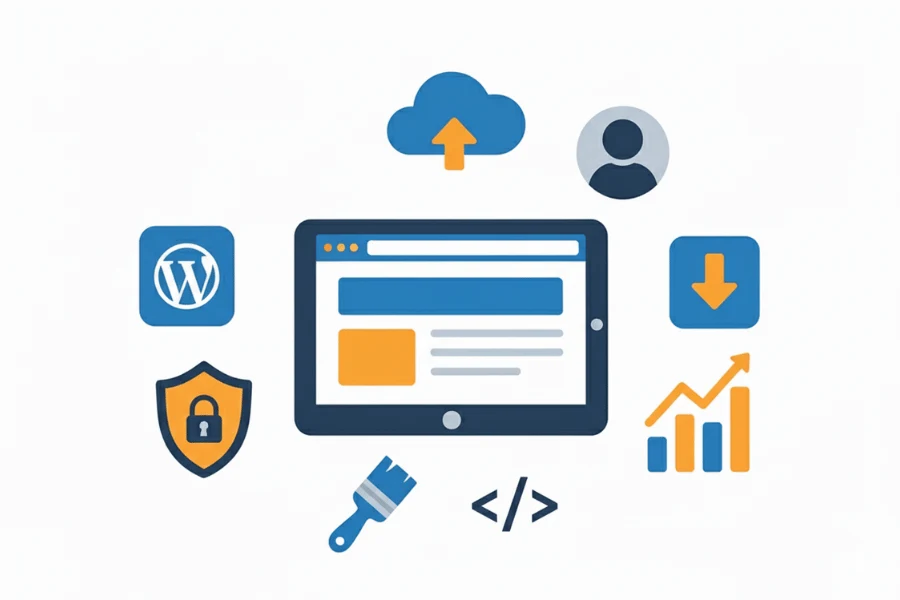
A successful WordPress website design is more than just aesthetics; it requires a thoughtful combination of responsive design, intuitive navigation, SEO optimization, fast loading times, security, accessibility, and consistent branding. By implementing these essential elements, website owners can create a site that not only attracts visitors but also converts them into loyal customers. Regular maintenance, strategic use of plugins, and keeping up with design and SEO best practices ensure that your WordPress website remains effective, secure, and competitive and beyond.
Furthermore, a well-structured website enhances credibility, builds trust with potential clients, and strengthens brand identity across digital platforms. Incorporating analytics tools allows businesses to track performance, understand user behavior, and make data-driven improvements over time.
By continuously refining content, design, and functionality, a WordPress website can adapt to evolving market trends and user expectations, ultimately contributing to sustainable growth, higher engagement, and a measurable return on investment. Investing in a well-designed, optimized website is crucial for building credibility, enhancing user experience, and achieving long-term business growth.
We design high-performing websites and deliver SEO that gets results. Trusted by businesses across the UK, US, AU, and CA.
www.theseocrunch.com | theseocrunch@gmail.com