A website is not a one-time project that you launch and forget. Just like any digital system, it requires continuous monitoring, updates, and improvements to remain secure, functional, and effective. Website maintenance and support ensure that your website stays online, loads quickly, protects user data, and continues delivering a positive experience to visitors.
Many businesses assume that once their website is built, the work is finished. However, the reality is that websites operate in a constantly changing digital environment. Browsers update regularly, cyber threats evolve, and search engines change their ranking algorithms.
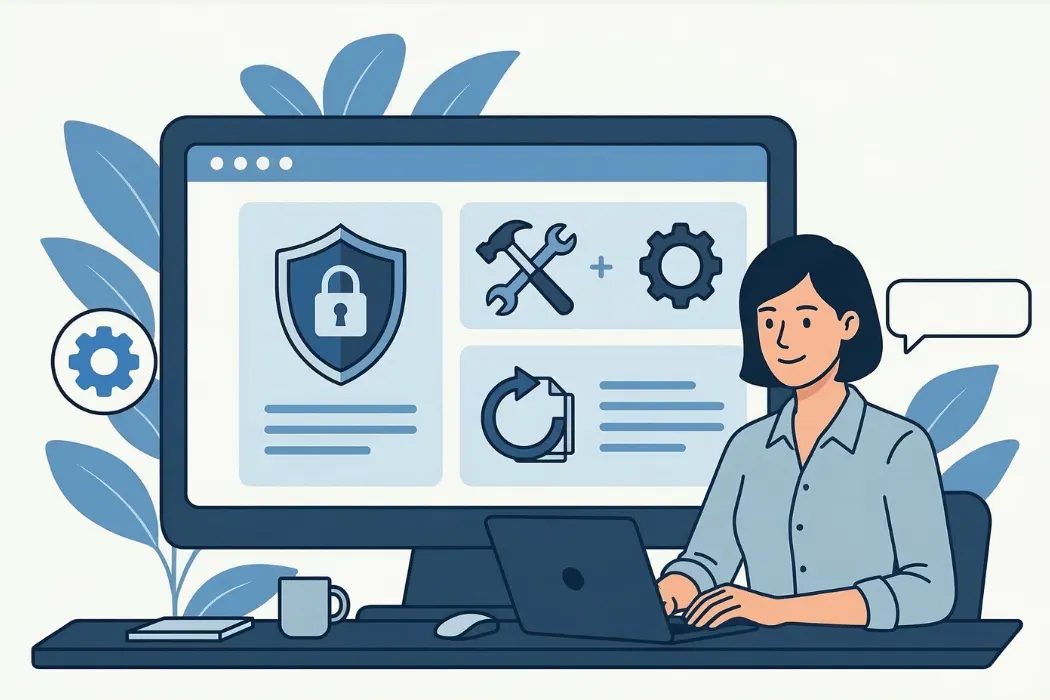
What Is Website Maintenance? How to Keep Your Website Running and Protected
Website maintenance refers to the ongoing process of monitoring, updating, and improving a website after it has been launched to keep your website running smoothly, keep your site secure, and improve visibility in search and search engine results. It includes managing website content, tracking website analytics, and preventing issues like a slow website or unexpected website downtime.
Maintenance is necessary because websites rely on many components such as servers, a content management system, plugins, themes, and third-party integrations. Regular updates, monitoring, and regular backups help ensure stability and security regardless of the size and complexity of the website.
If a website is not maintained regularly, several issues may occur. Pages may load slowly, links may stop working, forms may fail to submit data, or the website may become vulnerable to hacking attempts, which can negatively affect performance and user experience.
Core Objectives of Website Maintenance
Website maintenance focuses on achieving several key objectives:
- Keeping the website secure from cyber threats
- Ensuring fast loading speeds and smooth performance
- Preventing downtime and technical errors
- Maintaining accurate and updated content
- Improving search engine visibility
- Ensuring compatibility with modern devices and browsers
By consistently maintaining these areas, website owners can ensure their website remains reliable and valuable for users.
Why Website Maintenance and Support Are Important: Essential Website Maintenance Tasks for Small Business Websites
Website maintenance is critical for businesses, organizations, bloggers, and eCommerce stores that depend on their online presence. A poorly maintained website can lead to lost customers, lower search rankings, and security risks.
Below are some of the most important reasons why website maintenance matters.
1. Security Protection
Cybersecurity threats are constantly evolving. Hackers often target websites that run outdated software or plugins. Regular updates and security scans help identify vulnerabilities and fix them before attackers can exploit them.
Maintaining website security also helps protect user information such as login credentials, payment details, and personal data.
2. Better User Experience
Visitors expect websites to work smoothly across all devices. Maintenance ensures that navigation works properly, pages load quickly, and the site remains mobile-friendly.
A good user experience increases engagement and encourages visitors to stay longer on the website.
3. Improved Search Engine Rankings
Search engines prefer websites that load quickly, contain updated content, and provide a smooth user experience. Regular maintenance helps maintain strong SEO performance by fixing errors, improving speed, and updating pages.
4. Maintaining Business Credibility
A website often represents a brand’s digital identity. Broken pages, outdated content, or slow performance can create a negative impression and reduce trust.
Regular maintenance ensures that the website reflects professionalism and reliability.
5. Preventing Costly Problems
Ignoring maintenance may lead to serious technical issues that require expensive repairs. By maintaining the website regularly, problems can be identified early and resolved before they escalate.
Step-by-Step Process of Website Maintenance and Support
Professional website maintenance usually follows a structured process. Each step focuses on a specific aspect of website performance and reliability.
Step 1: Website Monitoring
Website monitoring is the first step in the maintenance process. Monitoring tools check whether the website is online and performing properly.
These tools test the website at regular intervals and alert administrators if any issue occurs.
Common Monitoring Activities
- Checking website uptime
- Monitoring server performance
- Tracking loading speed
- Detecting technical errors
- Monitoring traffic patterns
Continuous monitoring ensures that problems are detected quickly and resolved before they impact users.
Step 2: Website Backups
Backups are one of the most important elements of website maintenance. A backup is a copy of the website’s data that can be restored if something goes wrong.
Websites can experience problems due to server crashes, hacking attempts, software errors, or accidental deletion of files. In such cases, backups allow the website to be restored quickly.
Best Practices for Website Backups
- Perform backups daily or weekly depending on the website activity
- Store backups in secure cloud storage or external servers
- Maintain multiple versions of backups
- Regularly test the restoration process
Having reliable backups provides peace of mind and ensures that important data is never permanently lost.
Step 3: Software Updates
Most websites are built using content management systems such as WordPress, Joomla, or Drupal. These platforms rely on plugins, themes, and server technologies that require regular updates.
Software updates are essential because they provide:
- Security patches
- Bug fixes
- Improved performance
- New features and capabilities
Failing to update software can create compatibility problems and security vulnerabilities. Maintenance teams typically schedule updates regularly and test them to ensure they do not cause issues on the website.
Step 4: Security Monitoring
Security monitoring is another critical part of website maintenance. Websites are constantly targeted by automated bots and malicious attackers.
Regular security maintenance helps identify threats before they cause damage.
Important Security Tasks
- Malware scanning
- Firewall configuration
- Monitoring login attempts
- SSL certificate verification
- Vulnerability scanning
Strong security practices reduce the risk of hacking and protect both website owners and visitors.
Step 5: Performance Optimization
Website speed and performance play a major role in user experience and search engine rankings.
Visitors expect pages to load quickly, and even a small delay can cause them to leave the site.
Key Performance Optimization Tasks
- Compressing large images
- Minimizing CSS and JavaScript files
- Cleaning and optimizing databases
- Implementing caching mechanisms
- Using a content delivery network (CDN)
These techniques help reduce page load times and improve overall performance.
Step 6: Fixing Bugs and Technical Errors
Over time, websites may develop technical issues due to plugin conflicts, coding errors, or updates that introduce unexpected problems.
Maintenance teams regularly test website features to ensure everything works properly.
Common Issues That Need Fixing
- Broken links leading to error pages
- Page layout problems
- Contact forms not sending messages
- Missing images or media files
- Compatibility issues with browsers
Fixing these issues improves usability and ensures a smooth browsing experience for visitors.
Step 7: Content Updates
Content plays a major role in keeping a website relevant and useful for visitors. Regular updates ensure that the information presented on the website remains accurate.
Content Maintenance Tasks
- Updating outdated information
- Adding new blog posts or articles
- Updating images and graphics
- Improving readability and formatting
- Refreshing product or service information
Fresh content also helps improve search engine visibility and keeps users engaged.
Website Maintenance Schedule
Different maintenance activities should be performed at different intervals. Creating a structured schedule helps ensure that no task is overlooked.
| Maintenance Task | Frequency | Purpose |
| Uptime monitoring | Daily | Detect downtime quickly |
| Security checks | Weekly | Identify vulnerabilities |
| Plugin & CMS updates | Weekly or monthly | Maintain compatibility |
| Backup creation | Daily or weekly | Prevent data loss |
| Content review | Monthly | Keep information updated |
| Technical audit | Quarterly | Identify deeper technical issues |
A maintenance schedule helps maintain consistency and prevents unexpected disruptions.
Website Maintenance Checklist
Many professionals rely on a checklist to ensure every aspect of the website is properly maintained.
| Category | Maintenance Tasks |
| Security | Malware scanning, firewall updates, login protection |
| Performance | Speed testing, database optimization, caching |
| Content | Updating blog posts and page information |
| Technical | Fixing broken links and testing forms |
| SEO | Updating metadata and fixing indexing errors |
| Analytics | Reviewing user behavior and traffic data |
Using a checklist simplifies the maintenance process and ensures that the website continues to operate efficiently.
Common Website Maintenance Tools
Several tools help automate website maintenance tasks and provide valuable insights.
| Tool | Purpose |
| Google Analytics | Website traffic monitoring |
| Google Search Console | SEO performance tracking |
| UptimeRobot | Website uptime monitoring |
| GTmetrix | Website speed analysis |
| Sucuri | Website security scanning |
These tools help website administrators detect issues, monitor performance, and improve overall functionality.
Frequently Asked Questions
What is website maintenance?
Website maintenance is the process of regularly updating, monitoring, and optimizing a website to keep it secure, functional, and performing well.
How often should website maintenance be done?
Most websites require weekly updates and security checks, while deeper technical audits are usually performed monthly or quarterly.
Why is website maintenance important for SEO?
Regular maintenance improves website speed, fixes errors, and keeps content updated, which helps search engines rank the website better.
Can I maintain my website myself?
Yes, small websites can often be maintained by owners using tools and plugins, but complex websites usually require professional support.
What happens if a website is not maintained?
Without maintenance, websites can become slow, insecure, and outdated, which may lead to security breaches, downtime, and lower search rankings.
Conclusion
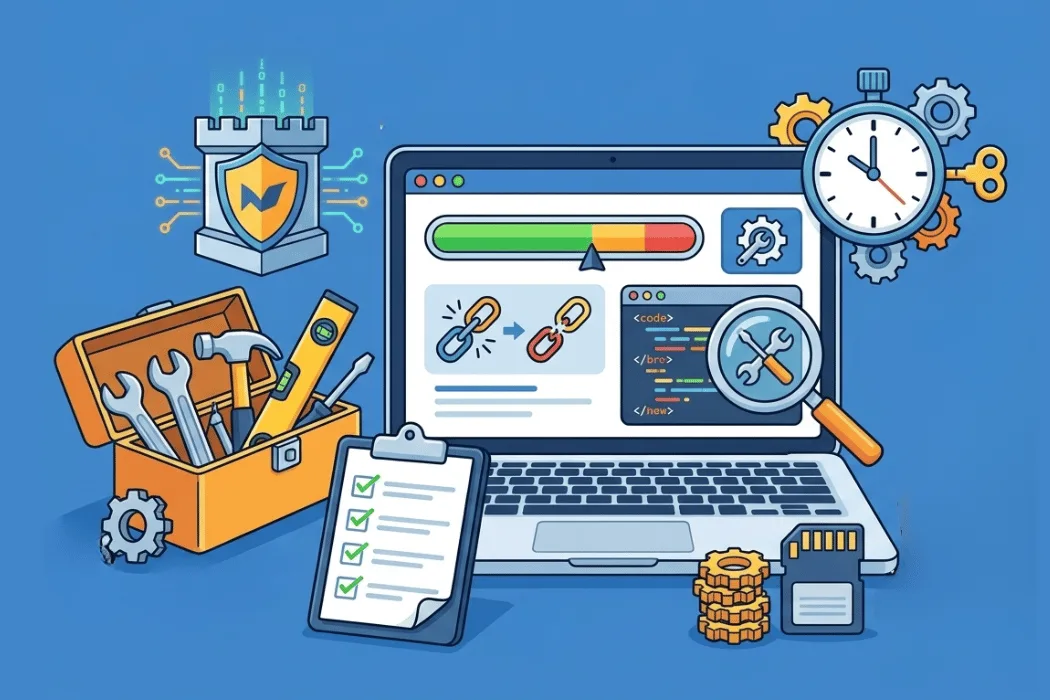
Website maintenance and support are essential to protect your website, maintain website performance, and ensure that your website remains functional. A strong website maintenance plan helps website owners perform essential website maintenance tasks, improve website speed, and prevent website security breaches. Regular site maintenance, backups, and updates help keep your website running smoothly and improve performance and security for website visitors and search engines that your website depends on.
Following a beginner’s guide to website maintenance and building a strong maintenance plan helps in maintaining a website, managing different maintenance needs, and ensuring a small business website stays active, secure, and reliable.